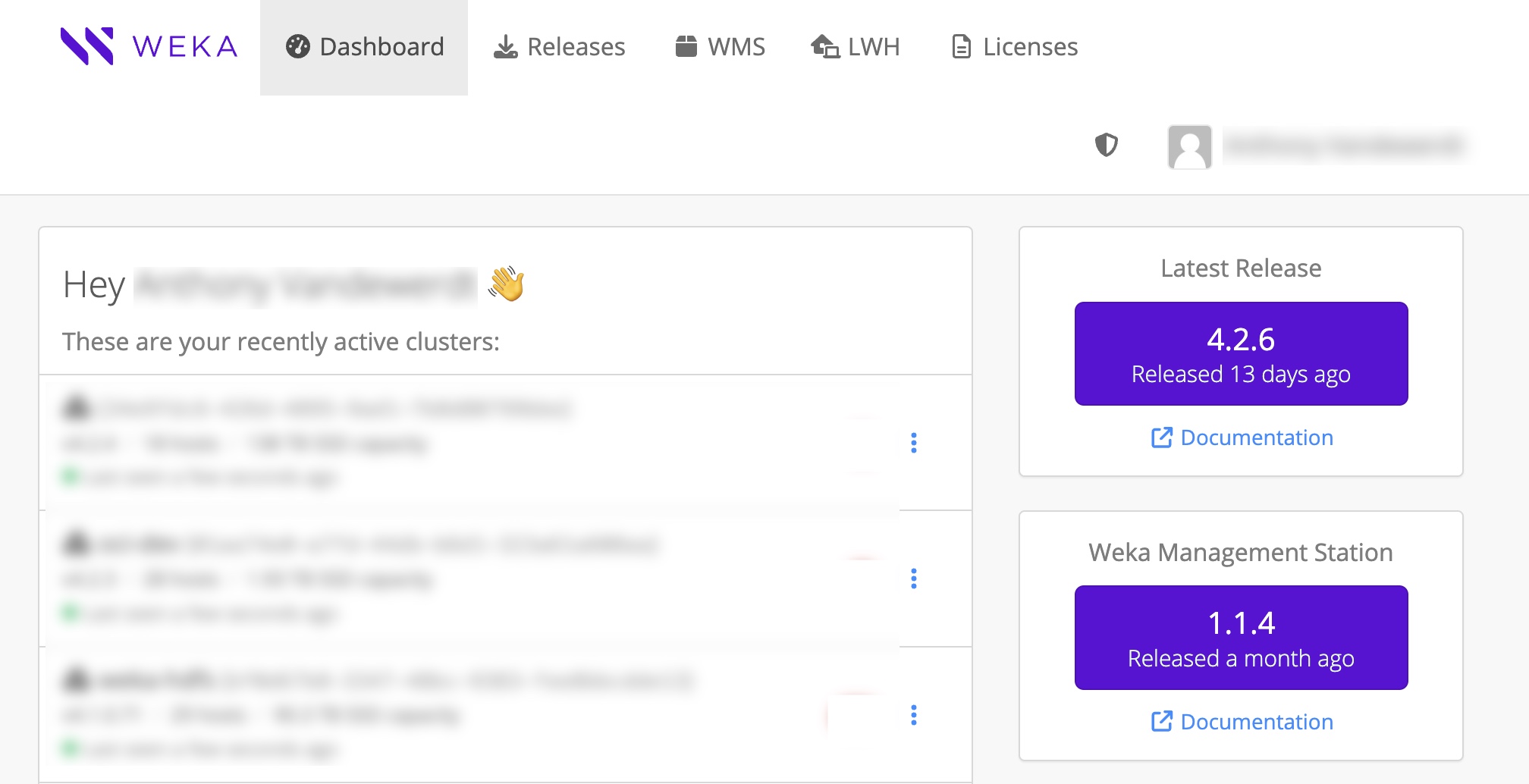
get.weka.io dashboard
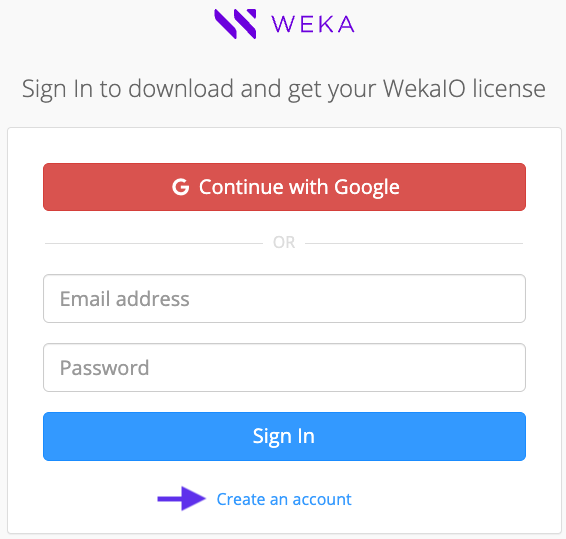 The Send Registration Email page opens.
2\. Fill in your organization's email address (private mail is prohibited).\
Select **I’m not a robot**, and then select **Send Registration Email.**
3\. Check your inbox for a registration email from Weka.io.\
To confirm your registration, select the link.\
The Create Your Account page opens.
4\. Fill in your email address, full name, and password. Then, select **Create Account**.
The Send Registration Email page opens.
2\. Fill in your organization's email address (private mail is prohibited).\
Select **I’m not a robot**, and then select **Send Registration Email.**
3\. Check your inbox for a registration email from Weka.io.\
To confirm your registration, select the link.\
The Create Your Account page opens.
4\. Fill in your email address, full name, and password. Then, select **Create Account**.
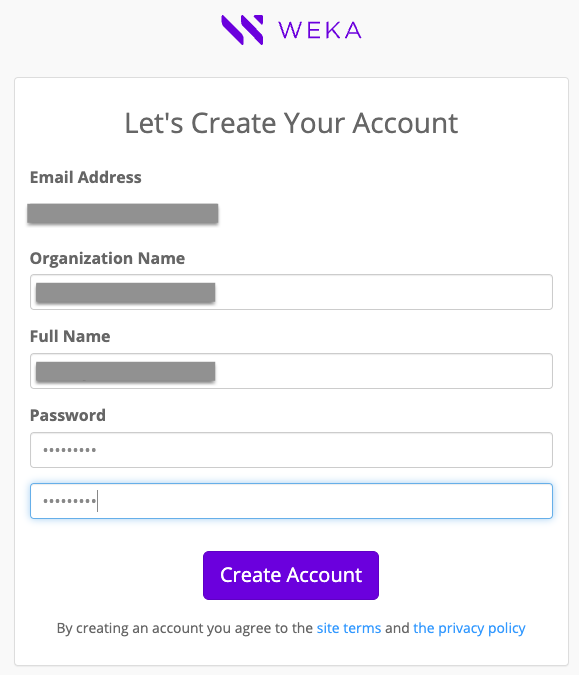 Your request for access to [get.weka.io](http://get.weka.io) is sent to WEKA for review. Wait for a validation email. Once your registration is approved, you can sign in to [get.weka.io](http://get.weka.io).
## **Download the** WEKA **installation packages**
Download the required WEKA installation packages according to the workflow path.
* Path A (automated with WMS and WSA): Download the WMS and WSA ISOs from [get.weka.io](https://get.weka.io/ui/dashboard). The WMS is downloaded from a dedicated dropdown. The WSA is found in the relevant release page.
* Path B (automated with WSA): Download the WSA package from [get.weka.io](https://get.weka.io/ui/dashboard) The WSA is found in the relevant release page.
* Path C (manual installation and configuration): Download the WEKA software tarball from [get.weka.io](https://get.weka.io/ui/dashboard). The tarball is found in the relevant release page.
You can only sign in and download the packages if you are a registered user.
**Procedure: Download from get.weka.io**
1. Go to the [get.weka.io](https://get.weka.io/ui/dashboard) download site, and sign in with your registered account.
Your request for access to [get.weka.io](http://get.weka.io) is sent to WEKA for review. Wait for a validation email. Once your registration is approved, you can sign in to [get.weka.io](http://get.weka.io).
## **Download the** WEKA **installation packages**
Download the required WEKA installation packages according to the workflow path.
* Path A (automated with WMS and WSA): Download the WMS and WSA ISOs from [get.weka.io](https://get.weka.io/ui/dashboard). The WMS is downloaded from a dedicated dropdown. The WSA is found in the relevant release page.
* Path B (automated with WSA): Download the WSA package from [get.weka.io](https://get.weka.io/ui/dashboard) The WSA is found in the relevant release page.
* Path C (manual installation and configuration): Download the WEKA software tarball from [get.weka.io](https://get.weka.io/ui/dashboard). The tarball is found in the relevant release page.
You can only sign in and download the packages if you are a registered user.
**Procedure: Download from get.weka.io**
1. Go to the [get.weka.io](https://get.weka.io/ui/dashboard) download site, and sign in with your registered account.
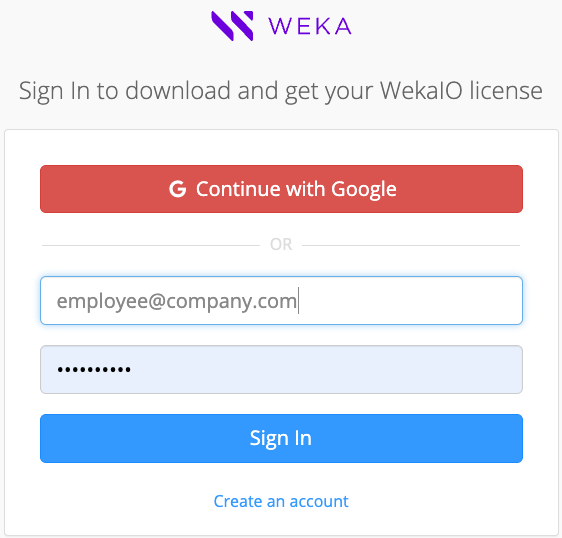 [get.weka.io](http://get.weka.io) page opens.
get.weka.io dashboard
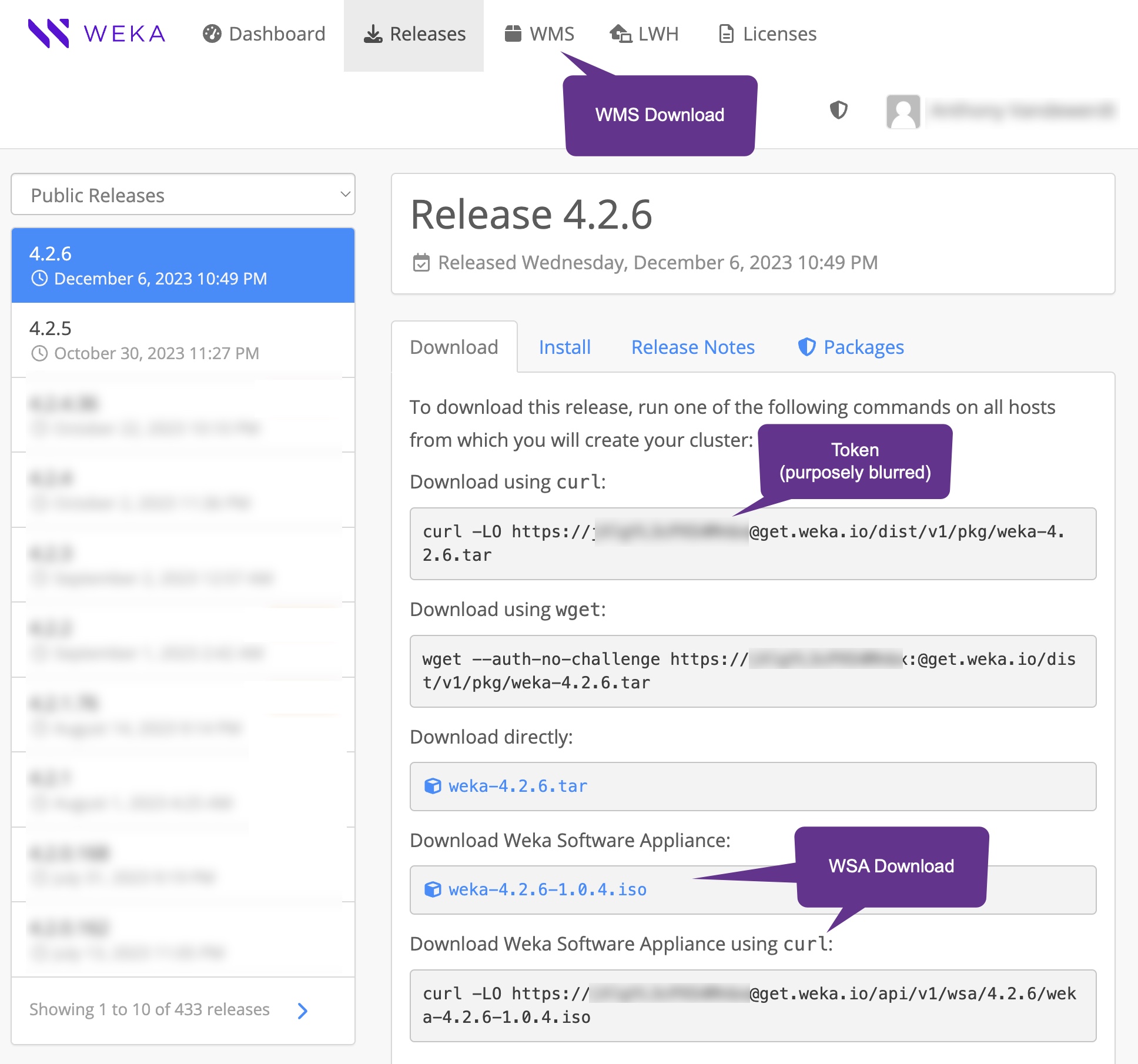
Releases download page: tar file, WSA, and WMS (in a separate tab)